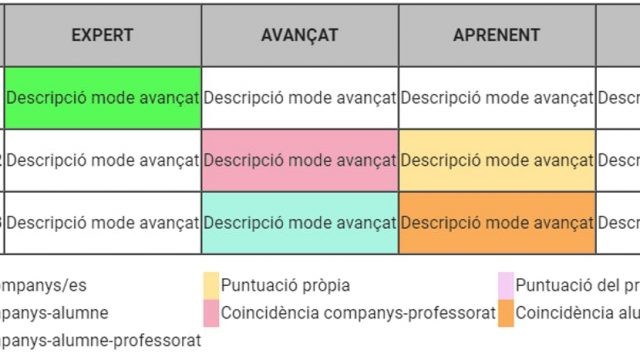
Using GAS to create web applications (Part 2)

After the first article explaining a little about what web apps made with Google Apps Script (GAS) are, we are going to see in this second article how to create a simple one. And I will do it with a real example, related to the evaluation of students. I warn you that this article will be much more technical and that you will need knowledge of GAS, html, css styles and javascript. As my friends from the GEG Spain coordinators group say, it will be in “whale” language.

We will create an application for students to fill in a KPSI (Knowledge and Prior Study Inventory) when they start a unit or project and fill it in again when they finish it. For those of you who are not familiar with the KPSI instrument, it is nothing more than a set of questions about the topic, where students do not have to give the answer, but must indicate whether they know the answer. It serves as a way to be aware of prior knowledge and to make the student aware of the progress he/she has made at the end of the test.

To make it easier to follow, in this folder you can find the final files, both the spreadsheet and the script with the code and the html files.

Continue reading “Using GAS to create web applications (Part 2)”
Using GAS to create web applications (Part 1)

I have been using GAS (google apps script) for several years to automate tasks. In fact, those of you who follow the blog will know different plugins I have published for spreadsheets: CoRubrics, CLASS-MON and ImExClass. But, until now, I had rarely used the GAS option to create web applications. Some limitations that they have, had made me not dive much into it.

In this first article, I will only present what these web apps are and what they can be useful for. In a second part, we will see how to create one.

Continue reading “Using GAS to create web applications (Part 1)”

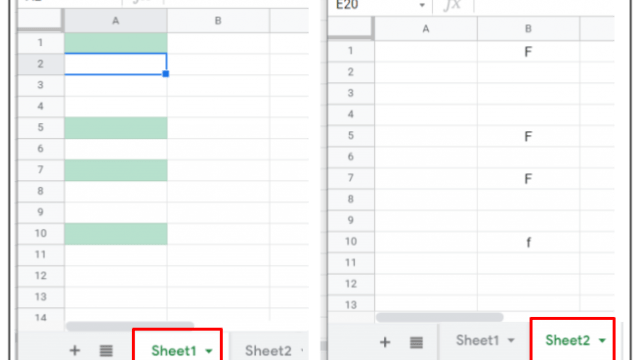
Conditional formatting in spreadsheets with cells from different sheets

It has been some time since I last wrote an article that was a bit technical and not at all pedagogical. Today I want to talk about the conditional formatting of Google spreadsheets. Recovering a functionality of my gradebook I have found this casuistry and, if you don’t know it, maybe it can be useful for you.

As most of you know, conditional formatting in spreadsheets, as the name suggests, allows the formatting of a cell to change if certain conditions occur. For example, we can make a cell with a number appear red if it is negative or black if it is positive. What I want to show in this article is how to change the format of a cell based on the values we enter in another cell that is also in another tab of the same spreadsheet (or better said, in another sheet of the same spreadsheet).

Continue reading “Conditional formatting in spreadsheets with cells from different sheets”

Reducing grades is the consequence

For some time now, when I do trainings, I have been meeting teachers who want to reduce the grades in their subjects, but don’t really know how to do it. Since we opened the No Grades group on Facebook (not yet part of the group? There are already over 400 of us!), I get even more enquiries from teachers who are concerned about the over-reliance of students on grades.

Continue reading “Reducing grades is the consequence”